

 Before some of our clients have even had a chance to wrap their heads around what virtualization is and how it works, hackers have already started attacking the new and exciting technology. By updating a virus from several years ago for virtualized environments, hackers hope to totally wipe the data off your hard drives. If you utilize any sort of virtualization services, it’s imperative that you know how to steer clear of this threat.
What is it?
Back in 2012, a brand new virus called “Shamoon” was unleashed onto computers attached to the networks of oil and gas companies. Like something out of a Hollywood film, Shamoon locked down computers and displayed a burning American flag on the display while totally erasing anything stored on the local hard disk. The cybersecurity industry quickly got the virus under control, but not before it destroyed data on nearly 30,000 machines.
For years, Shamoon remained completely inactive -- until a few months ago. During a period of rising popularity, virtualization vendors coded doorways into their software specifically designed to thwart Shamoon and similar viruses. But a recent announcement from Palo Alto Networks revealed that someone refurbished Shamoon to include a set of keys that allow it to bypass these doorways. With those safeguards overcome, the virus is free to cause the same damage it was designed to do four years ago.
Who is at risk?
As of the Palo Alto Networks announcement, only networks using Huawei’s virtual desktop infrastructure management software are exposed. If your business uses one of those services, get in touch with your IT provider as soon as possible to address how you will protect yourself from Shamoon.
On a broader scale, this attack shows how virtualization's popularity makes it vulnerable. Cyber attackers rarely write malware programs that go after unpopular or underutilized technology. The amount of effort just isn’t worth the pay off.
Headlines decrying the danger of Shamoon will be a siren call to hackers all over the globe to get in on the ground floor of this profitable trend. It happened for ransomware last year, and virtual machine viruses could very well turn out to be the top security threat of 2017.
How can I protect my data?
There are several things you need to do to ensure the safety of your virtual desktops. Firstly, update your passwords frequently and make sure they’re sufficiently complex. Shamoon’s most recent attempt to infect workstations was made possible by default login credentials that had not been updated.
Secondly, install monitoring software to scan and analyze network activity for unusual behavior. Even if legitimate credentials are used across the board, accessing uncommon parts of the network at odd hours will sound an alarm and give administrators precious time to take a closer look at exactly what is happening.
Ultimately, businesses need virtualization experts on hand to protect and preserve desktop infrastructures. Thankfully, you have already found all the help you need. With our vast experience in all forms of virtualized computing, a quick phone call is the only thing between you and getting started. Call today!
 Your own personal assistant is supposed to make life easier. Designed to let you dictate your searches instead of typing them, Google Assistant was made to accomplish just that. While talking to your phone is undoubtedly a convenient way to search for information, it’s not always practical. Fret not; Google’s tech team is working on an enhancement that will let you talk and type to your Google Assistant.
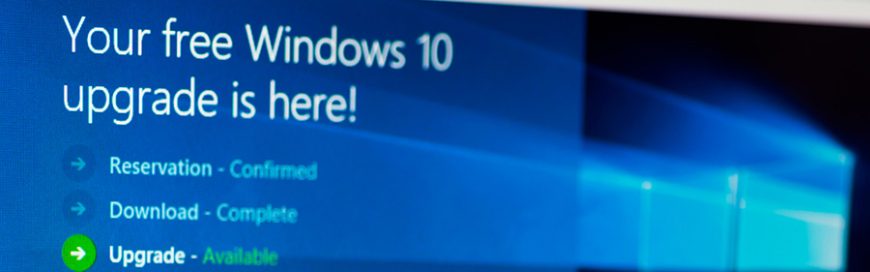 Over the past year, Microsoft received major backlash for 'forcing' the Windows 10 update as well as future updates on PC users. Fortunately, the tech leader is taking steps to address customer complaints. This article takes a look at what changes we can expect from Microsoft this coming year.